Afther you log in go to the drop down menu at the right of the screen click on Account > Account Overview > Information
Fill in all relevant information and click on Update Account Information.
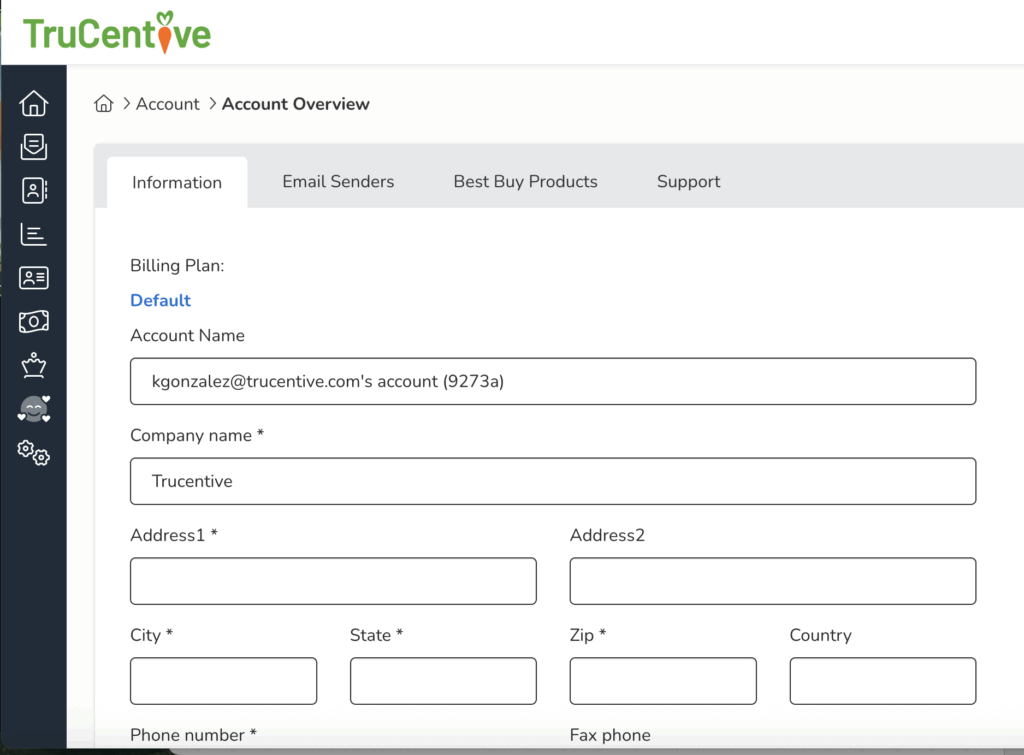
Afther you log in go to the drop down menu at the right of the screen click on Account > Account Overview > Information
Fill in all relevant information and click on Update Account Information.
Leave a Reply
You must be logged in to post a comment.