Click the extra line you want to remove.
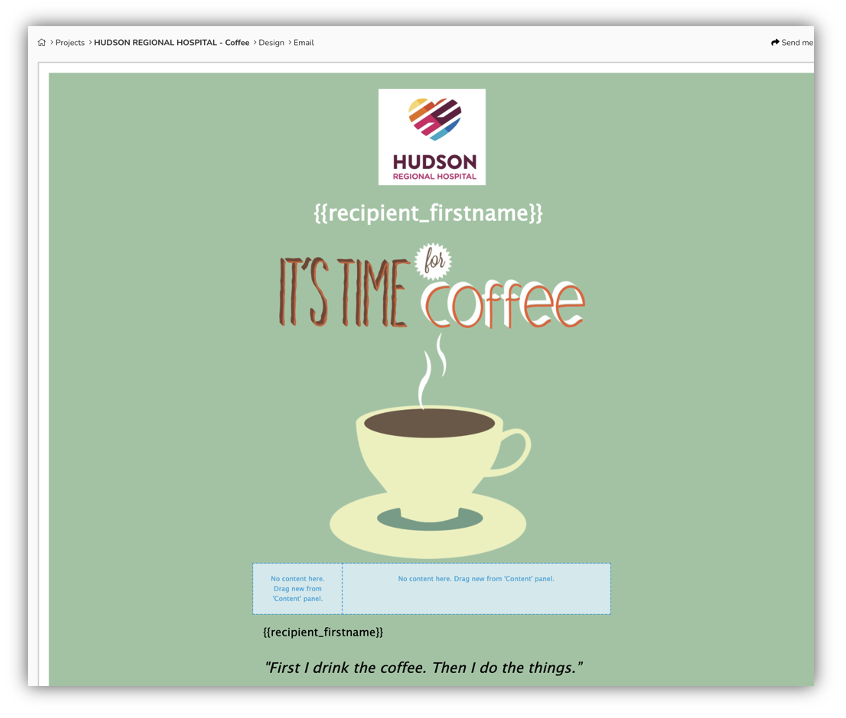
On the right side of the highlighted area is a garbage can icon Click the icon and the line will be removed.
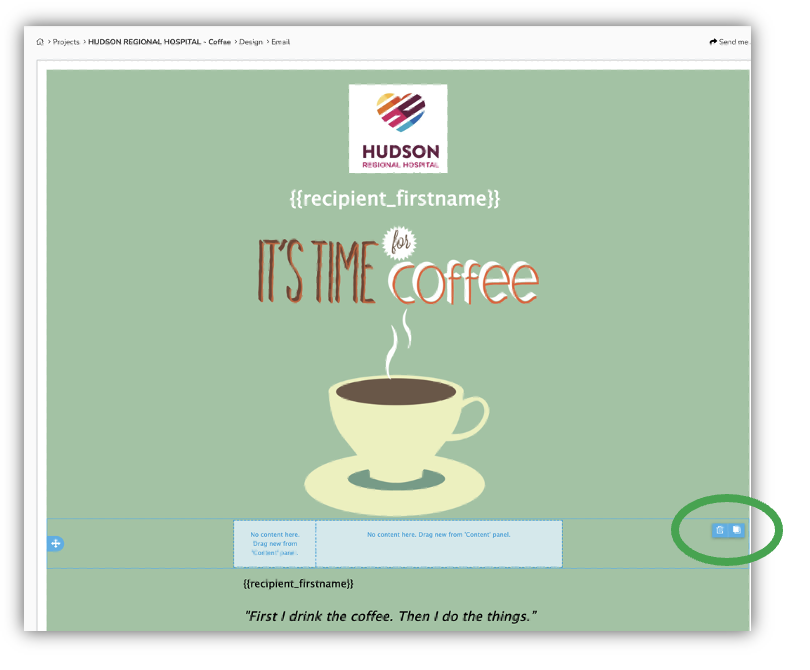
Click the extra line you want to remove.
On the right side of the highlighted area is a garbage can icon Click the icon and the line will be removed.
Leave a Reply
You must be logged in to post a comment.