To keep your TruCentive experience fast and efficient, we show four projects. However, you can see the other projects by clicking View All Projects.
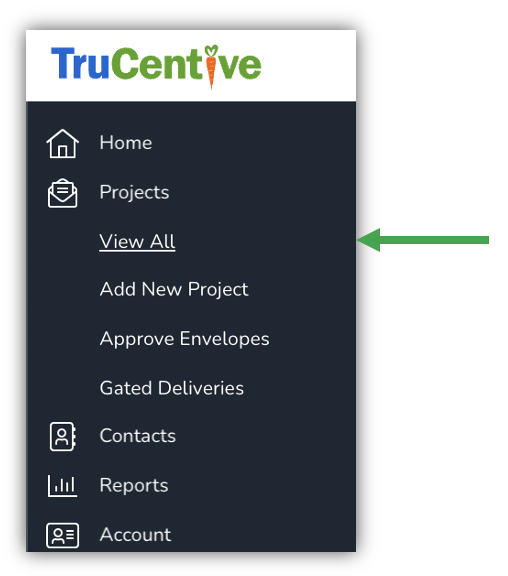
Navigation bar: Projects > View All Projects
or
Click View All Projects on the bottom right side of your projects (Active, Test, and Expired Projects).

Leave a Reply
You must be logged in to post a comment.